MyProvider App
The self-service solution for you from your internet service provider

Solve problems in your home network, set up the router or make other administrative settings. The MyProvider app supports you quickly, easily and conveniently. From home or on the go with your smartphone.
Download app and start immediately

1. Download app
2. Select provider
3. Get started

The MyProvider app helps you set up and troubleshoot your Internet connection – quickly and easily.

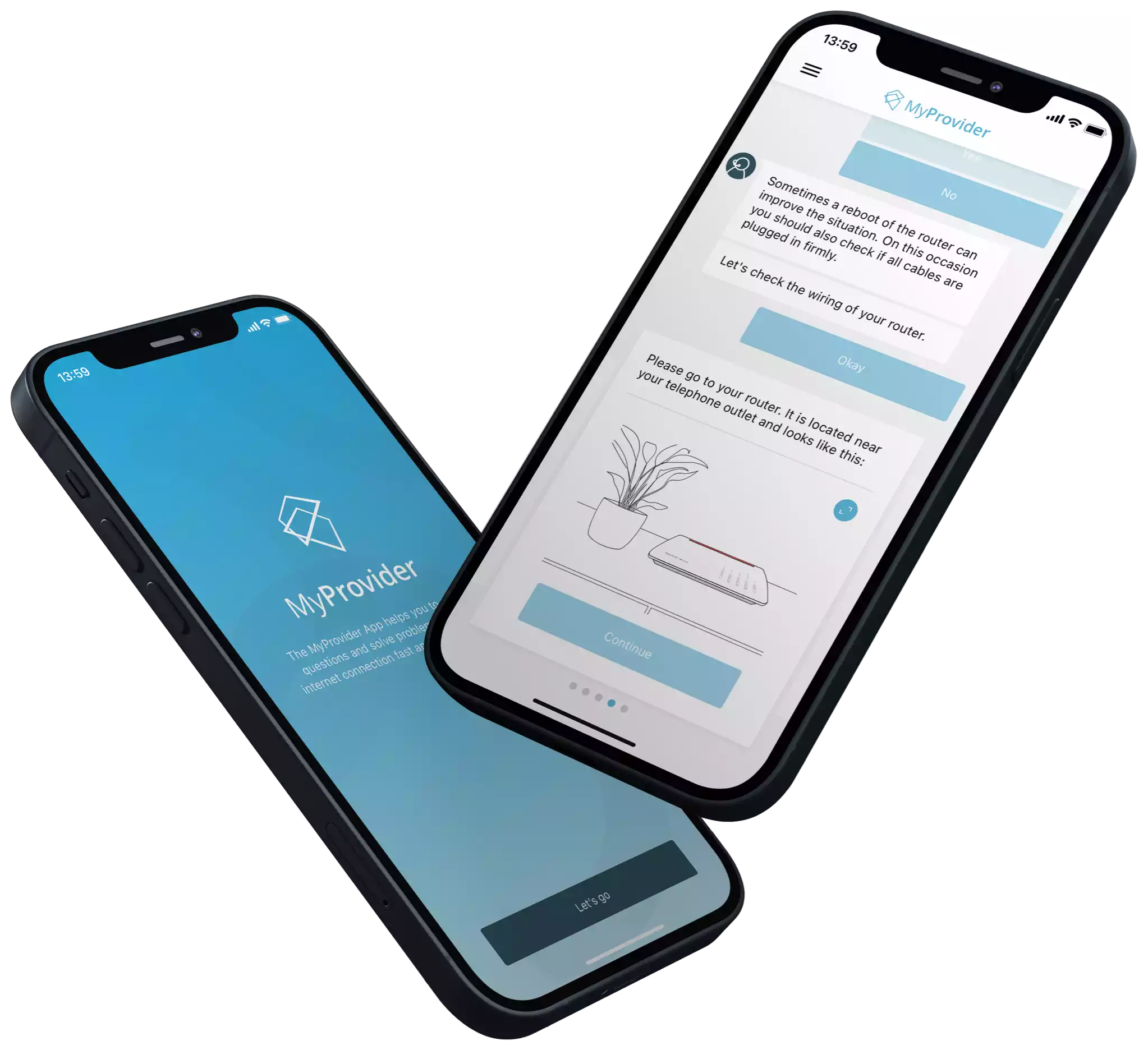
The app automatically detects your problem and guides you with individual step-by-step instructions tailored to your situation. This will allow you to fix your Internet malfunction yourself from the comfort of your home and without waiting.

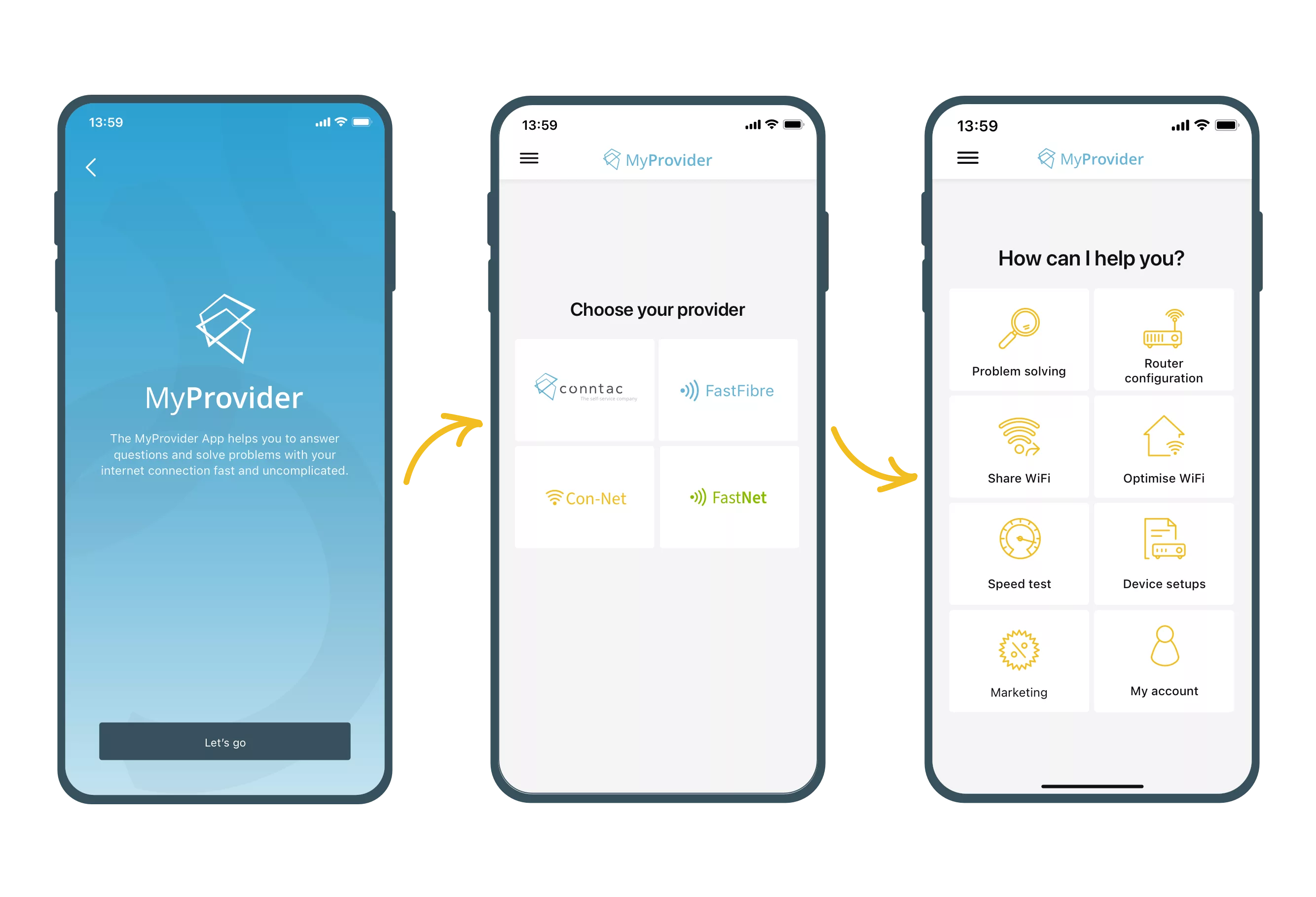
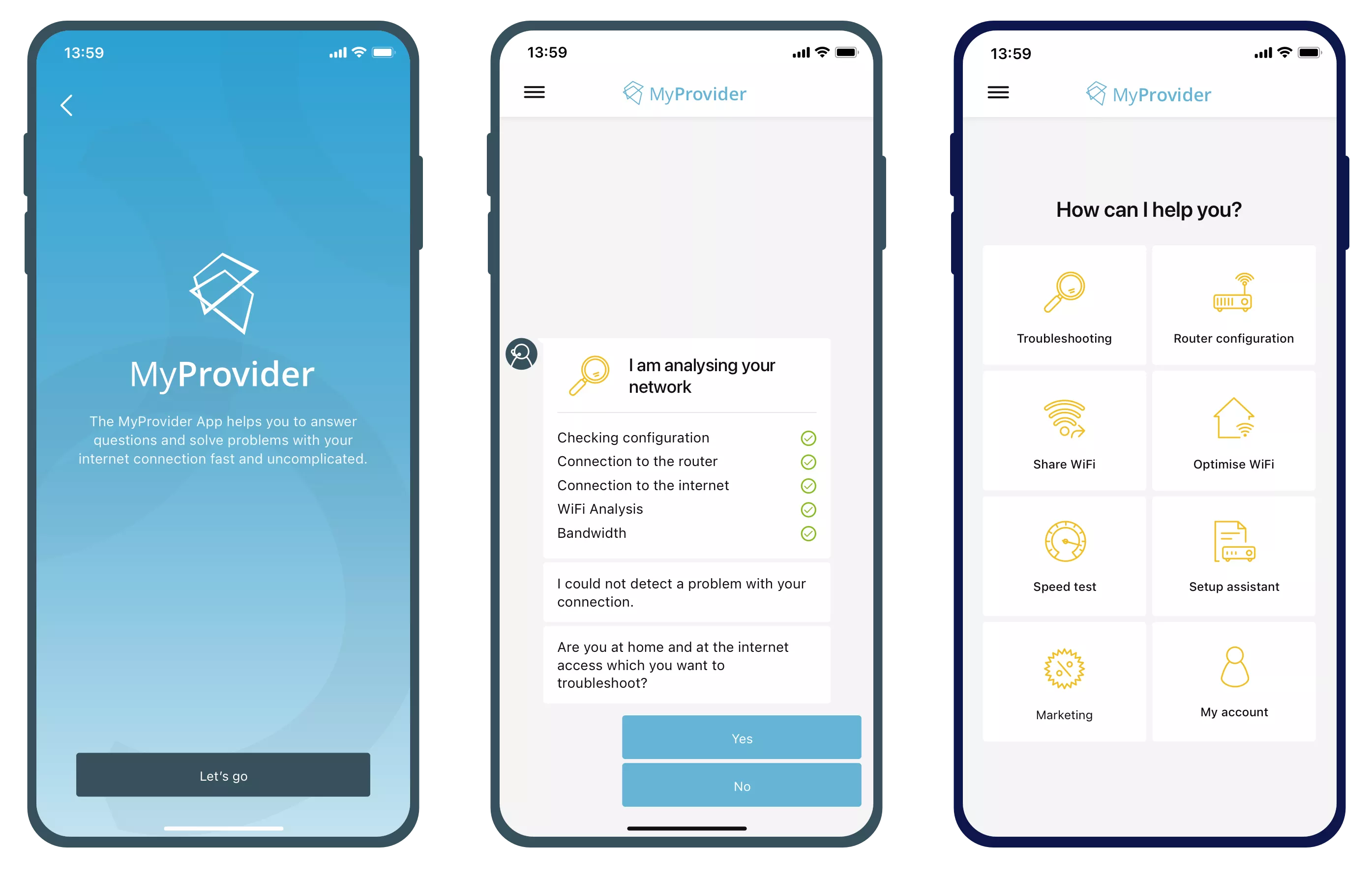
Phone with Conntac app
Wifi icon popping out of a box

Setup Assistant

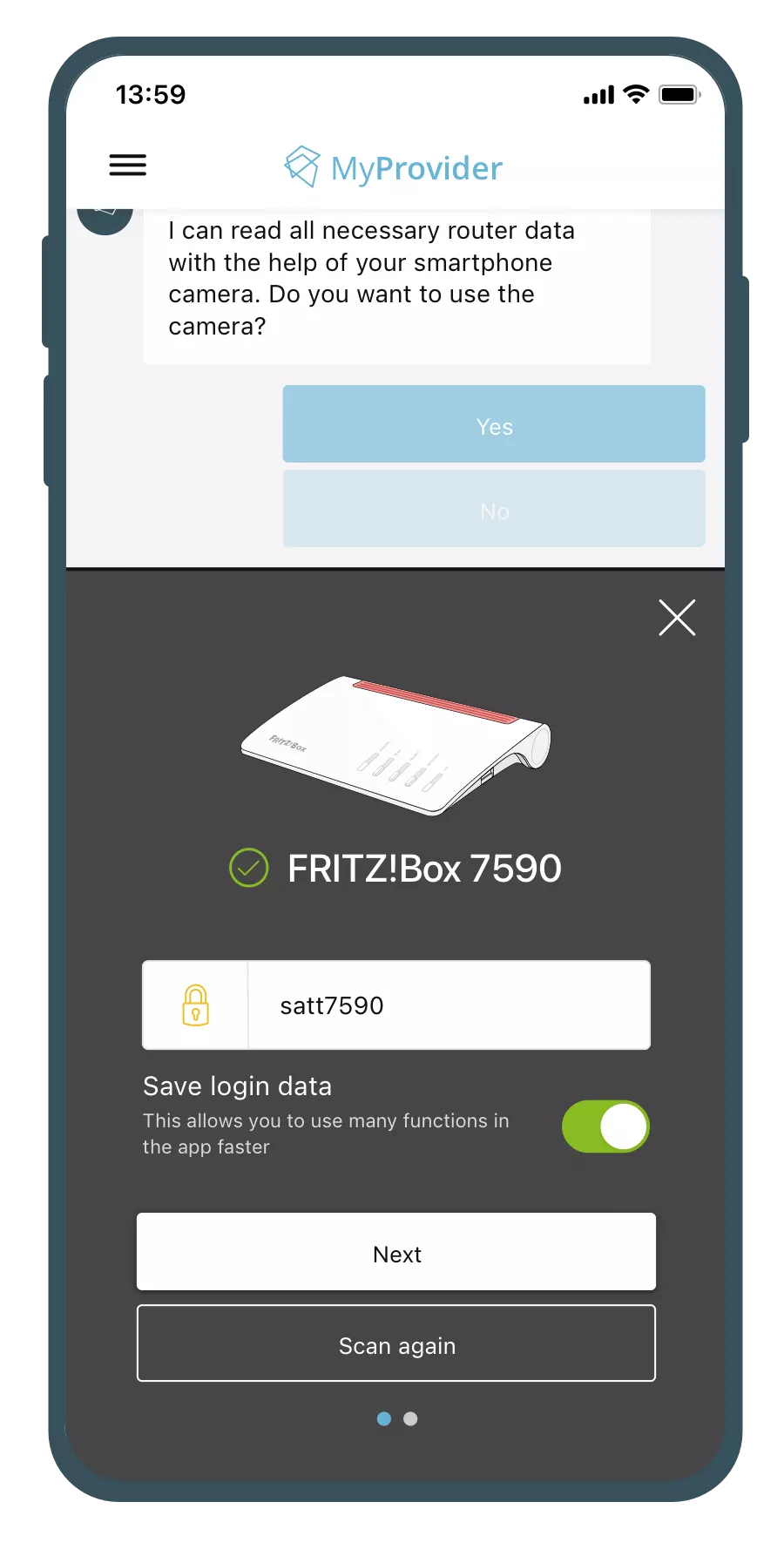
Set up routers and network-compatible devices in just a few minutes

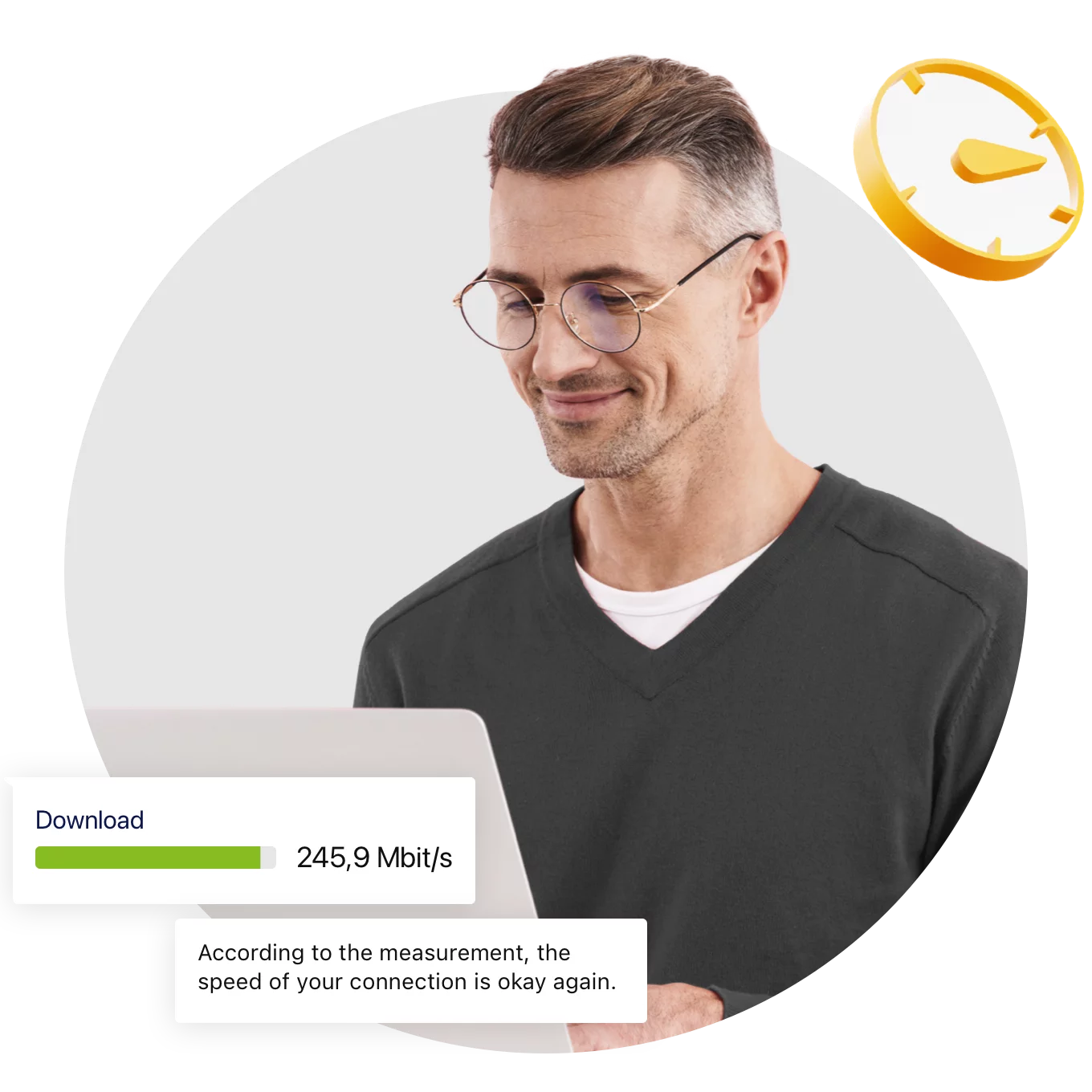
Speed test

Comprehensible and tried-and-tested bandwidth measurement

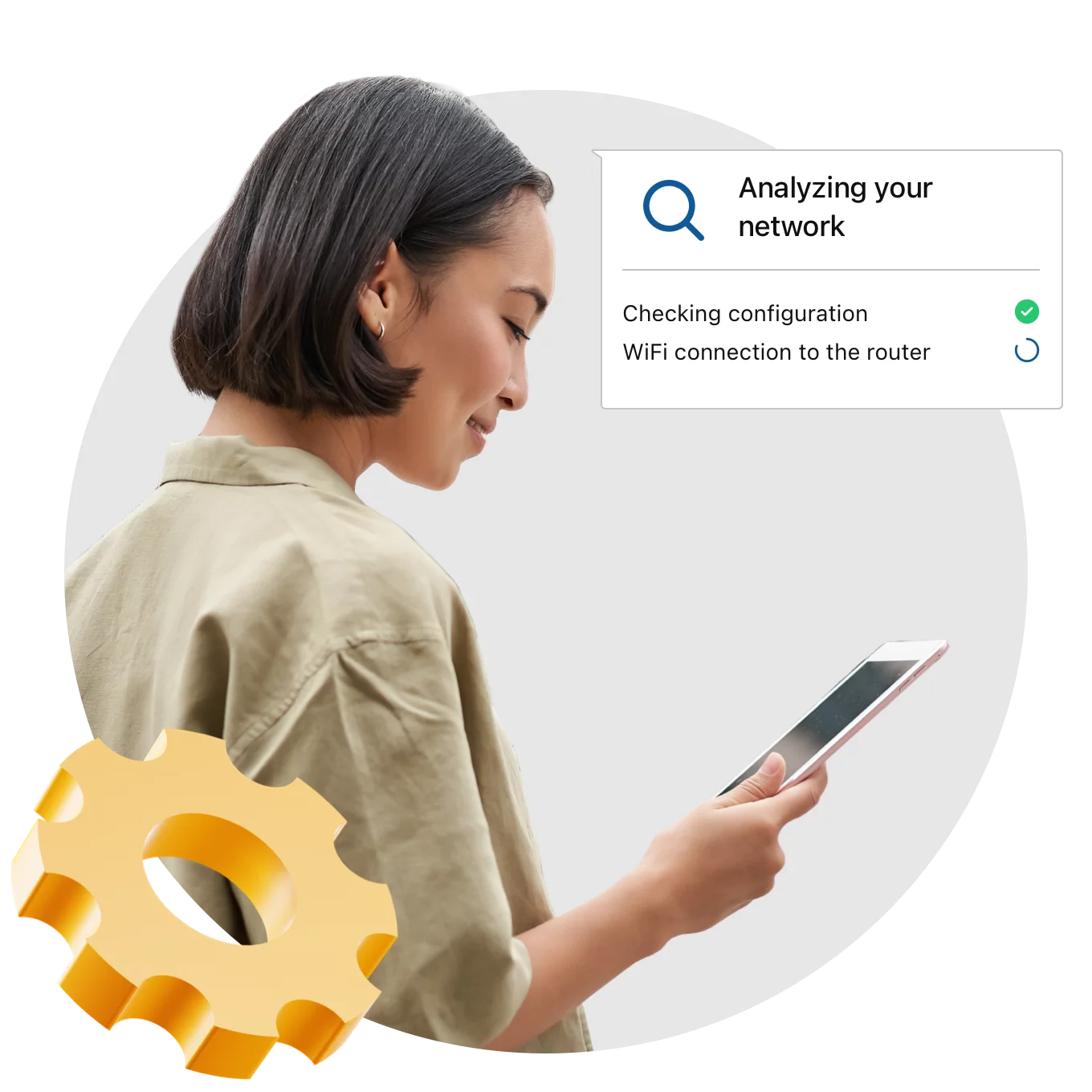
Troubleshooting

Customers solve complex technical issues and problems independently

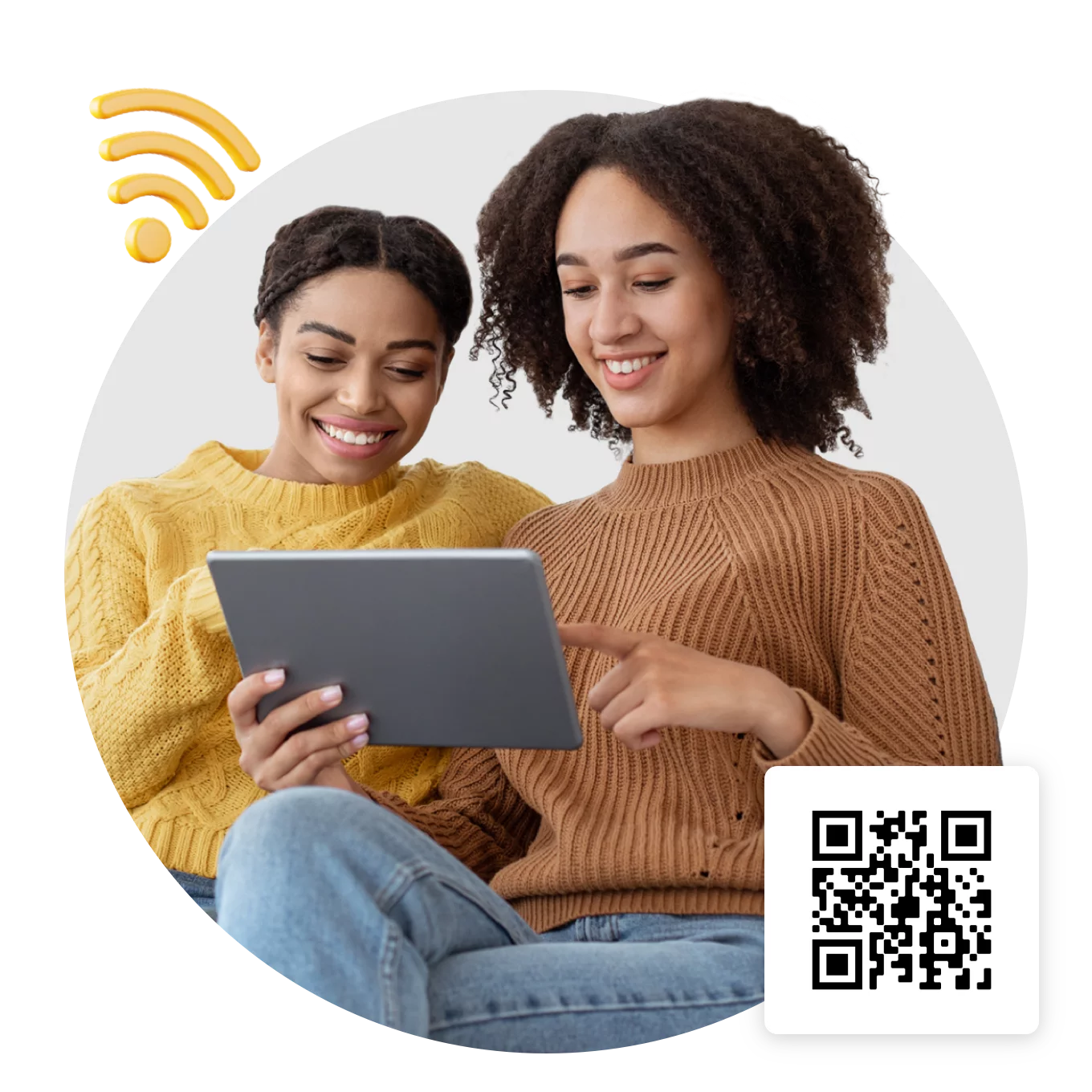
WiFi Device Setup

Connect devices to the WiFi and share access data quickly

Router Configuration

Configuring the router is child's play via an app

Customer portal

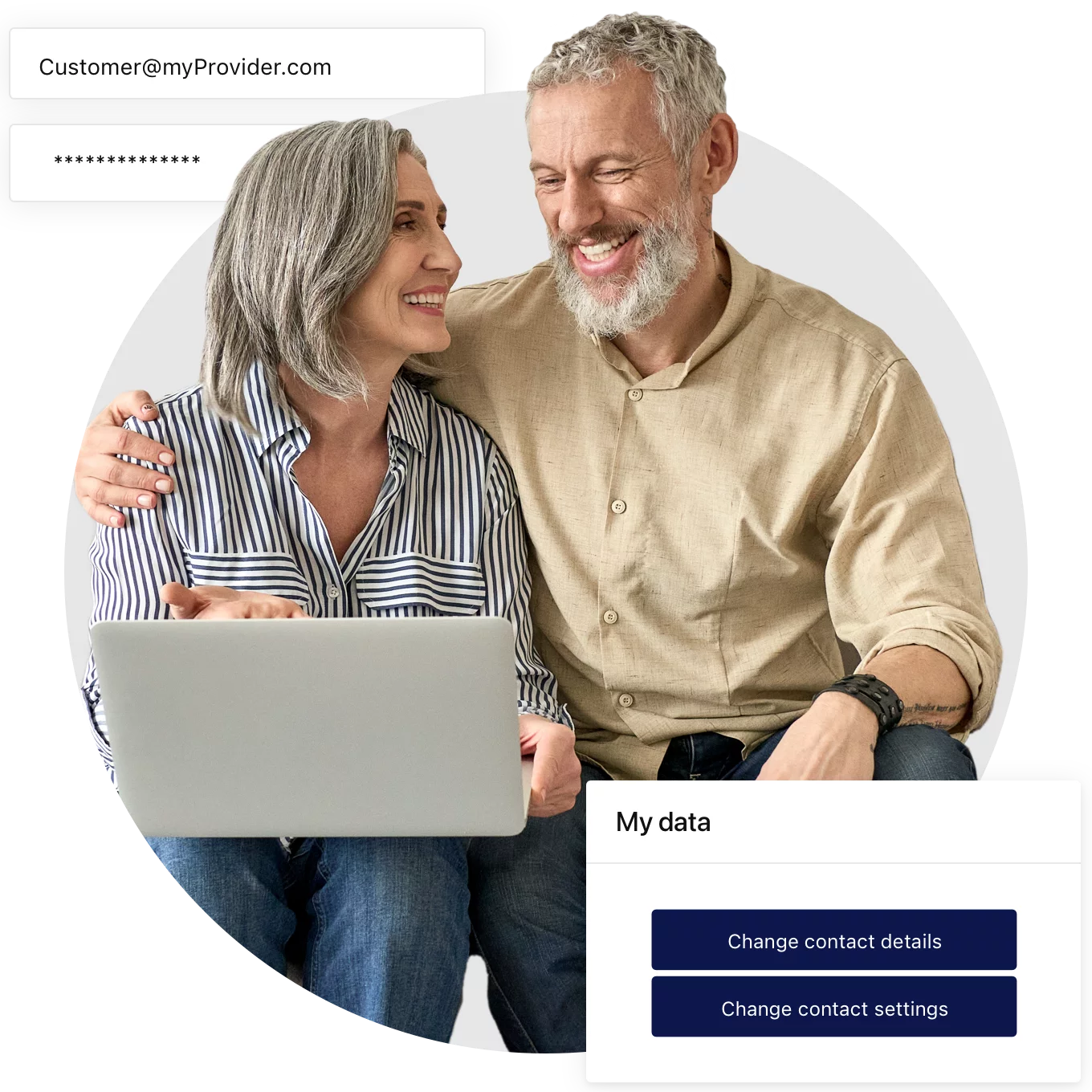
The central point of contact for all customer matters

Functions of the MyProvider App

First, download the MyProvider app and select your provider. You’re ready to go.

The various themes of the app can be accessed via the main menu.

Easily set up your home network yourself and fix problems without waiting.

Get easy step-by-step instructions until the problem is solved.

From unboxing the router to a working Internet connection.

Contact customer service via the app. Your analysis data will be transmitted for optimal consultation. (DSGVO compliant).

FAQ

Why should I download the My Provider app?

With the MyProvider app, you have a central contact point for all topics. From initial set-up to fault clearance to the customer center.

Can additional costs arise from the use of the MyProvider app?

The use of the MyProviderApp is free of charge.

How does the MyProvider app work if I don't have an Internet connection?

The MyProvider app is specially designed for a situation where there is no internet connection.

Can I download the MyProvider app if I don't have an iOS or Android operating system?

The MyProvider app is currently only available for Android and iOS operating systems.

What do I do if my provider is not offered by the app?

Your provider is not yet included? Let us know which provider you are contracted with and we will contact them.

Untitled UI logotext